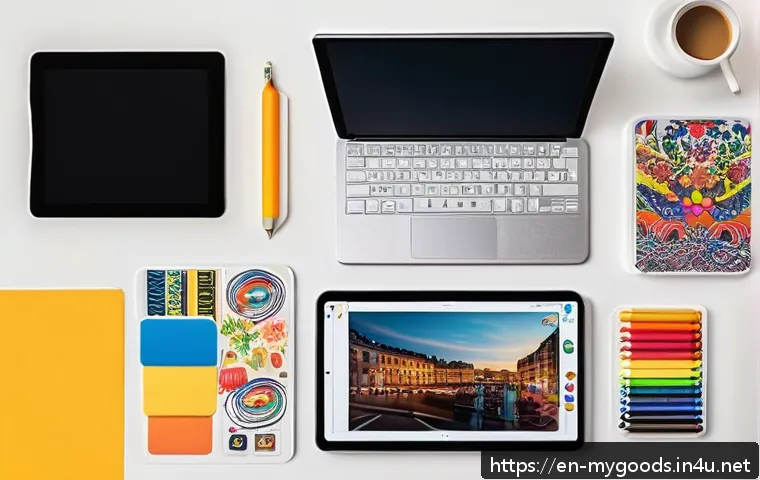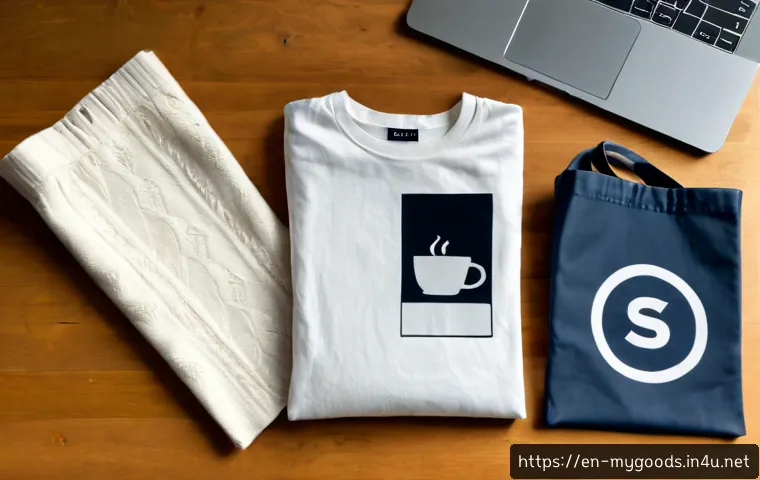
Find the right mockup site for apparel, packaging, posters, and branded merchandise. Compare template quality, customization options, commercial-use licensing, pricing models, and the best fit for your workflow.

The best mockup site depends on whether you need speed, deep editing control, or listing-ready images for a print-on-demand store. Browser-based generators are usually the simplest choice for fast previews, while layered PSD templates give designers more control over scenes and artwork placement. Free assets can work for testing ideas, but their commercial-use terms need careful review before you publish a product listing or client presentation. Individual purchases suit occasional projects, while subscriptions and credit-based tools can make more sense for frequent merchandise launches. For Etsy, Shopify, and similar sales channels, prioritize realistic product categories, usable output dimensions, and a license that covers your intended use. A mockup is a presentation tool, not proof that the finished printed item will look identical.
At a Glance
- Best for a limited budget: Start with free or single-asset mockups, then confirm commercial-use permission before publishing.
- Best for customization: Choose layered PSD mockups with Smart Object layers when you need control over placement, color, and scene details.
- Best for faster listings: Use a browser-based generator when you need product previews across several categories without a complex design workflow.
| Decision Factor | Free or Individual Asset | Subscription Platform | Browser-Based Generator | Layered PSD Template |
|---|---|---|---|---|
| Typical payment model | Free download or one-off purchase | Recurring plan | Subscription, credits, or other provider model | Often an individual asset or included collection |
| Editing method | Varies by asset | Varies by provider | In-browser editor | Design software with Smart Objects |
| Best use case | Testing a concept or occasional launch | Frequent content production | Fast product previews and simple workflows | High-control branded scenes |
| License checkpoint | Check each asset carefully | Check plan and project terms | Check export and commercial-use terms | Check resale, client, and advertising rights |
Quick Answer: Which Mockup Tool Fits Your Merch Workflow?
Best for Fast Browser-Based Product Previews
A browser-based mockup generator is often the practical option when your priority is speed. You upload artwork, select a product scene, adjust the visible design area, and export a preview without building a Photoshop file from scratch. This workflow can be useful for apparel, posters, packaging, accessories, and other merchandise categories where you need multiple listing images quickly.
Choose this approach when your design is already finalized and you mainly need clean visuals for a product page. Check whether the editor supports the image dimensions needed for your marketplace, plus backgrounds, model scenes, and available product categories. A fast export is helpful, but do not let convenience replace a check of print placement or commercial licensing.
Best for Editable, High-Control PSD Scenes
Layered PSD mockups are a stronger fit when the presentation itself is part of your brand. Many PSD mockups use Smart Object layers, allowing you to replace artwork efficiently while keeping the scene, shadows, folds, and product shape intact. This can be valuable when you want a more controlled visual system across a small brand collection or a client presentation.
The trade-off is a more hands-on workflow. You may need compatible design software and enough time to inspect every layer, especially when changing colors, background elements, or print placement. Before paying for a premium PSD asset pack, confirm that its license covers your planned commercial use rather than assuming a polished file includes all marketing rights.
Best for Print-on-Demand Sellers and Marketplace Listings
Print-on-demand sellers should focus on mockups that match the categories they actually sell and the image needs of their storefront. Marketplace-friendly images need to show the product clearly, make the artwork readable, and fit naturally into a consistent listing gallery. Product presentation matters because shoppers often compare several listings before opening one.
Look for mockup tools that make it easier to build a repeatable workflow for shirts, posters, packaging, or other relevant products. A platform with backgrounds, models, or bulk export features may reduce repetitive work. Still, compare the available commercial license, export options, and plan conditions before committing to a mockup subscription.
Compare Mockup Platforms by Price, Licensing, and Editing Options
Free Downloads Versus Paid Individual Assets
Free mockup downloads can be useful for learning a workflow, validating a product concept, or creating a limited number of previews. However, a free file is not automatically cleared for product listings, paid advertising, client delivery, or resale-related use. Read the asset-specific terms before using it in a commercial merchandise project.
Paid individual assets can be a sensible middle ground for creators who need one specific scene rather than an ongoing library. This option may suit a seasonal collection, a single client proposal, or a product launch with a focused visual direction. The key question is not simply whether the asset looks good, but whether the license matches how and where you plan to use the exported image.
Subscription Plans Versus Credit-Based Mockup Generators
A subscription can be worth considering when you publish new products often and need a regular supply of fresh mockup templates. It may also be helpful if your workflow benefits from multiple product categories, scene generators, models, and repeatable exports. For creators with irregular demand, a credit system or one-off asset purchase may offer more flexibility.
There is no universal best pricing model. Estimate how often you create product images, how many variations each listing needs, and whether your work requires browser editing or PSD customization. Compare plans before committing to a subscription, especially when terms for downloads, credits, or commercial projects may differ by provider.
Commercial-Use Rights to Check Before Publishing Listings
Commercial permission can differ between free downloads, individual mockup templates, subscriptions, and client projects. Before publishing on Etsy, Shopify, or another sales channel, look for clear wording about commercial use, paid advertising, client delivery, and the use of exported images in listings. If you are unsure whether your use is allowed, treat that as a reason to verify directly with the provider.
Also distinguish between using a mockup image to present your own design and distributing the original mockup file itself. These are different uses and may be treated differently in a license. Keep a record of the asset source and terms used for each product collection so that future updates are easier to manage.
What Makes a Good Merch Mockup for Selling Products?
Product Realism, Print Placement, and Image Resolution
A good merch mockup makes the design easy to understand without creating a misleading expectation. Check whether artwork sits naturally on the product, follows the visible surface, and remains readable at listing size. Apparel folds, packaging angles, and poster framing can all affect how convincing a preview looks.
Pay close attention to print placement. A design that looks centered in an editor may appear too high, too low, too large, or too small once it is shown on a real-looking item. Mockups are useful for presentation, but they do not guarantee that the physical print will match the on-screen result.
Apparel, Packaging, Posters, Accessories, and Digital Product Categories
Select product categories based on your actual catalog rather than choosing a large library you may never use. A clothing-focused seller may need apparel views with different fits and angles, while a stationery or home decor shop may prioritize posters, framed artwork, packaging, or accessories. Matching the mockup category to the product helps shoppers understand what is being offered.
For print-on-demand work, consistency across related categories can be more valuable than a long collection of unrelated scenes. Use the same visual approach for products that belong together, while still giving each item enough space and context to be clear.
Backgrounds, Model Diversity, and Brand Consistency
Backgrounds and models can help a product feel relevant to its intended audience, but they should not distract from the design. Choose scenes that support your brand style and leave enough contrast around the artwork. A crowded background can make a product image less useful, even when the mockup itself is technically polished.
For a small brand, define a few repeatable choices: background tone, crop style, product angle, and text treatment. This makes storefront images feel connected and can reduce the time needed to create each new listing. Check that any included models or scene elements are covered by the relevant license for your commercial use.
Build Product Images Without Wasting Design or Production Budget
When a Browser Editor Is Enough

A browser editor is enough when you need a straightforward product preview and do not need to rebuild the scene. It can be efficient for testing artwork across a few products, making quick marketplace images, or preparing early concepts before ordering samples. This route is especially useful when you want to avoid spending time on detailed layer adjustments.
Use a simple workflow: upload final artwork, inspect the placement at a practical viewing size, export the needed dimensions, and review the license before publishing. If the result looks artificial or hides important product details, switch to a better-fitting scene instead of trying to force the design into it.
When a Photoshop-Ready Template Is Worth Paying For
A Photoshop-ready template may be worth paying for when your product images need specific art direction. PSD files can give you more control over shadows, colors, textures, object placement, and branded backgrounds. They are also useful when preparing presentation concepts for a client who needs to see several design directions in a consistent setting.
The value comes from control, not from the file format alone. Make sure the asset has organized layers, a workable Smart Object setup, and a license appropriate for your project. If your output only requires basic previews, a complex editable template may add time without improving the listing enough to justify the extra cost.
Common Mistakes That Make Merchandise Previews Look Untrustworthy
A common mistake is using a mockup where the artwork is too large for the visible product area. Another is relying on unrealistic placement, excessive effects, or a background that makes the item hard to identify. These choices can make a listing feel less clear rather than more professional.
Also avoid presenting a digital preview as if it were a physical sample. Keep expectations reasonable, inspect the design at the size a customer will see, and use accurate product information alongside the image. A realistic mockup supports trust; it should not replace careful product details.
Mockup Workflows for Etsy, Shopify, Client Projects, and Print-on-Demand
Creating Listing Images for Online Marketplaces
For marketplace listings, start with the main image that makes the product and design immediately recognizable. Then use supporting views to show alternate angles, close-ups, or relevant variations. Choose mockups that work within the platform’s expected image presentation without depending on tiny text or overly subtle design details.
Before publishing, review whether the image is commercially permitted, whether the product category matches your listing, and whether the preview communicates the item honestly. A consistent set of product images can make it easier to maintain a shop as new designs are added.
Preparing Consistent Visuals for a Small Brand Store
For a Shopify store or small independent brand, build a reusable visual system rather than choosing a different aesthetic for every product. A limited set of mockup scenes can create a recognizable storefront while simplifying production. Browser-based tools may help with volume, while editable PSD templates can help with signature hero images.
Decide which assets are for product pages, collection pages, social creative, and paid advertising before buying. The relevant commercial-use terms may not be identical across these uses. Verify the provider’s current license details and keep your chosen workflow aligned with the channels you actually use.
Delivering Client-Ready Presentation Concepts
Mockups are useful for helping clients visualize a logo, illustration, or campaign design on physical merchandise. For this type of work, choose scenes that match the client’s market and avoid using a mockup as a promise about manufacturing quality. Clearly separate concept presentation from production approval.
Check whether the license covers client projects and whether the client can receive exported images or source files. If ownership, delivery, or advertising usage matters, verify those conditions before you include the mockup in a paid design package.
Selection Criteria and Comparison Summary
Choose a mockup tool by checking five things: your budget, your need for browser editing or PSD control, the product categories you sell, required output dimensions, and commercial license coverage. Use free assets for careful testing, individual purchases for targeted projects, and subscriptions when ongoing production genuinely supports the cost. For Etsy and Shopify listings, prioritize clear product presentation over decorative scenes. For client work and paid advertising, confirm rights before delivery or publication. Compare plan details and current license conditions on the provider’s official page before making a purchase.
In Closing
The right mockup site is the one that fits your production rhythm, not necessarily the one with the biggest template library. Fast browser tools can reduce listing time, while PSD mockups can offer stronger control for branded campaigns. Start with the product categories and sales channels you actually use. Then choose a payment model and license that support those needs without adding unnecessary complexity.
Useful Things to Know
Smart Objects are commonly used in PSD mockups to replace artwork efficiently. Some platforms offer models, backgrounds, scene generators, and bulk export features. Pricing structures can include subscriptions, credit systems, and individual asset purchases. Current prices, asset availability, integrations, and license terms should always be checked directly before purchase.
Important Notes
A realistic product preview does not guarantee that a printed item will match the screen image. Print results can differ from mockup presentation, so review artwork placement and product details carefully. Commercial permissions for resale, client delivery, and paid advertising depend on the specific platform and license. Verify current terms for every asset or plan you use.
Frequently Asked Questions
Q1. Are free mockup sites safe for commercial merchandise listings?
A1. They can be usable, but free access does not automatically include commercial permission. Check the license for the specific asset and confirm whether it allows product listings, paid advertising, client work, or other commercial uses you need.
Q2. Is it better to buy PSD mockups or use an online mockup generator?
A2. Use an online generator when speed and simple product previews matter most. Choose PSD mockups when you need deeper control over a scene, placement, and brand presentation. Compare plans before committing to a subscription, especially if you only need occasional exports.
Q3. What should I check in a mockup license before selling on Etsy or Shopify?
A3. Check whether the license permits commercial listings, exported image use, paid advertising, client delivery if relevant, and your intended sales channels. Also confirm whether the terms apply to a free asset, a single purchase, or a subscription plan, since permissions can differ.